Works with
Your agents, in your tools.
A Squidler specialist isn't another app to check. It joins the channels you already use, connects to the accounts that hold your work, and reaches anything with an API.
Channels
Talk to your agents where you already work
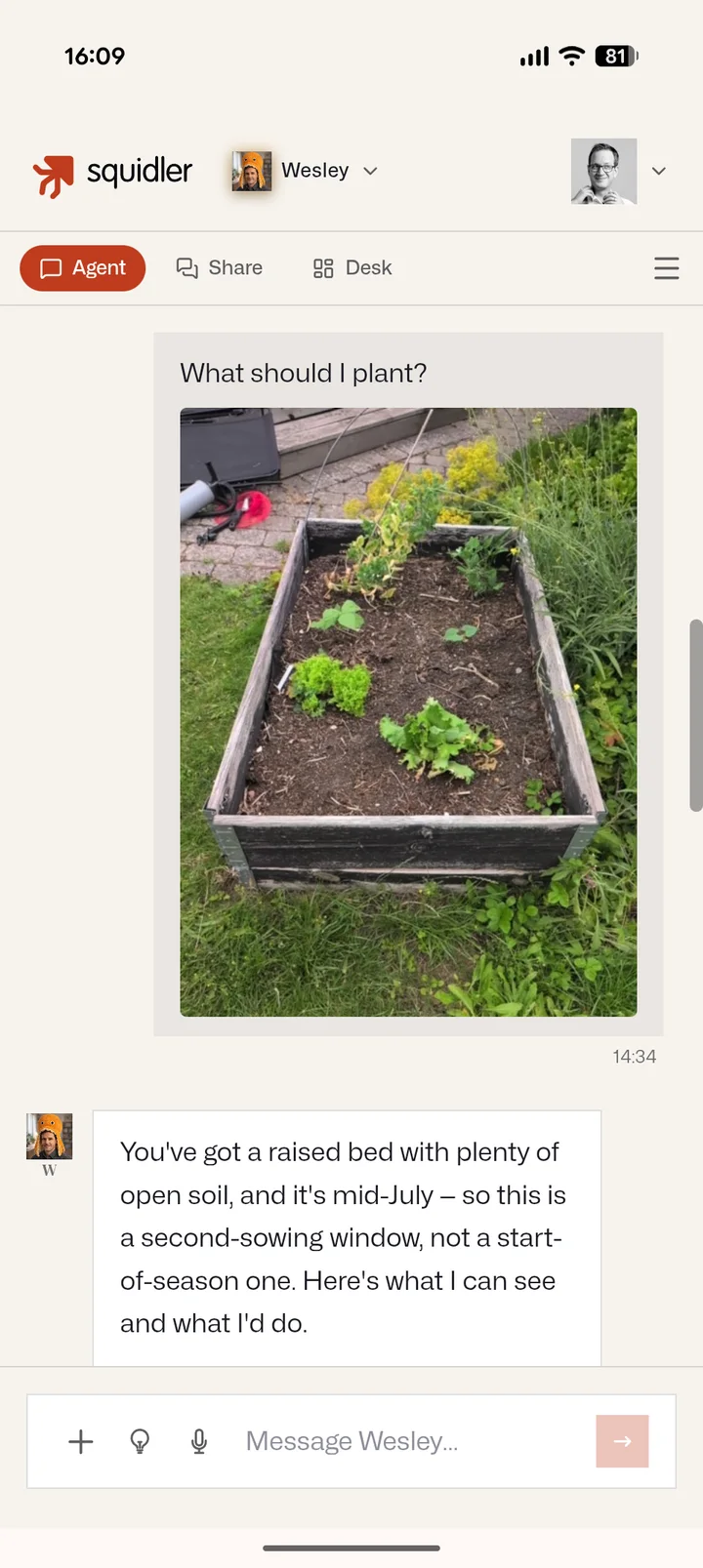
Every agent is a contact, not a tab. Message it from the tools your team lives in — each channel keeps its own conversation, while the agent keeps one memory across all of them.
Web app
The full workspace: chat, live desks, files, and approvals. Installs as an app on your phone or desktop, with push notifications when your agent needs you.

Slack
Direct messages and channels. Your agent follows threads, shares files, and answers where the conversation already is.

Microsoft Teams
Chat with your agent inside Teams — install it for yourself or your whole team.

Telegram
DMs and group chats. Send photos and files, share your location — even live location for on-the-move reminders.
Every agent has its own email address. Write to it, forward things to it, or CC it — replies land back in your inbox, threaded.
Your accounts
Scoped access to the tools that hold your work
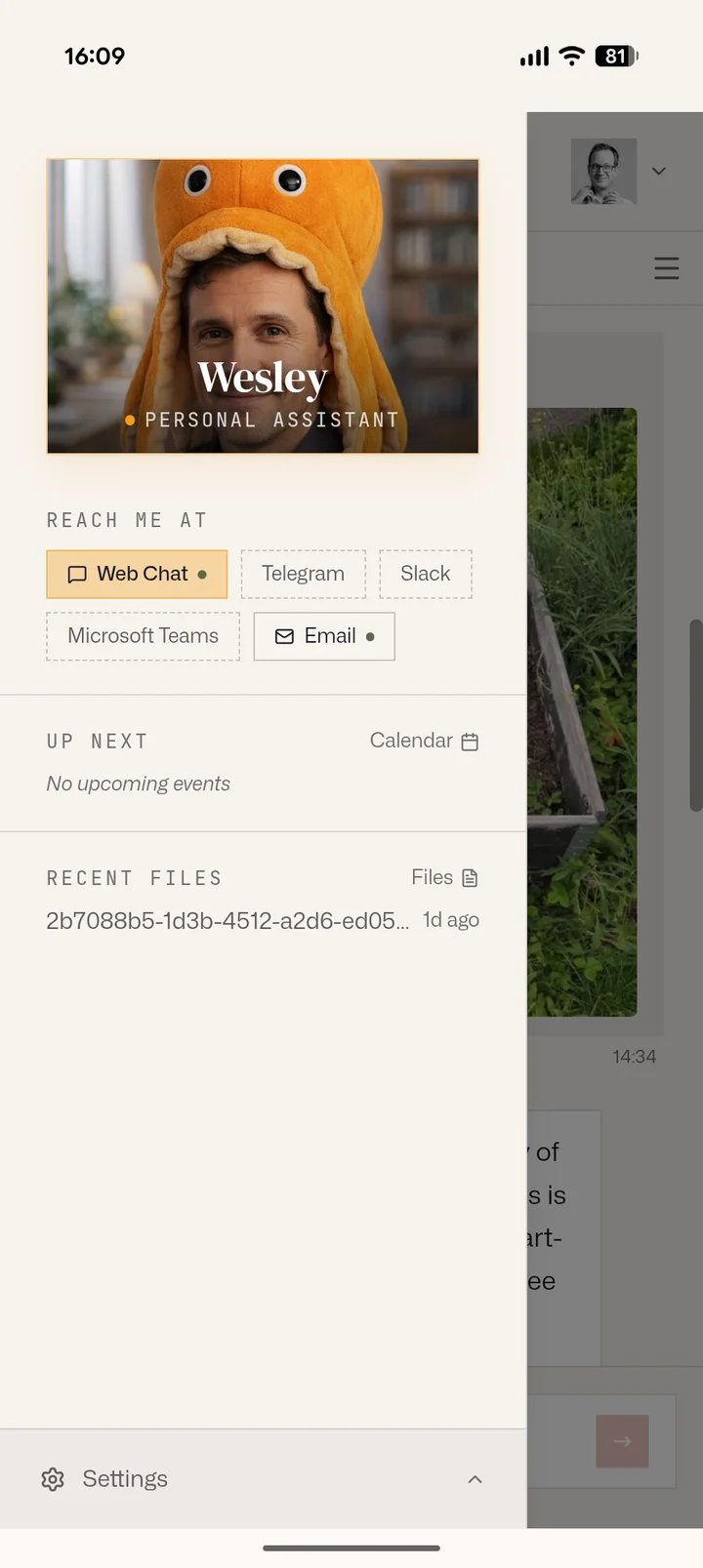
Connect an account to a single agent with exactly the access you choose — read-only or read-write, per product. You can see and revoke everything, any time. An accounting bureau can connect one client company per ledger and give each its own level of access.



Google Workspace
Gmail, Calendar, Drive, Docs, Sheets, Forms, and Contacts. Your agent can triage mail, keep your calendar honest, and work in your documents.
Microsoft 365
Outlook mail, Calendar, and OneDrive files — with write access as a separate, explicit grant.
Apple iCloud
iCloud Mail and Calendar, connected with an app-specific password you create at Apple and can revoke there. Apple offers no scoped access, so we enforce your choice ourselves — including a read-only mail option that cannot send.

Fortnox
Swedish accounting. Invoices, supplier invoices, customers, payments, vouchers and SIE export. Read-only until you say otherwise, and you grant write per area — so an agent can register supplier invoices while it still cannot touch payments. Fortnox publishes no read-only scopes at all, so that boundary is one we enforce ourselves, on every request.
Read more →
Bokio
Swedish accounting. Invoices, supplier invoices, journal entries, customers, suppliers and uploads. Read and write are separate permissions per area, and here Bokio enforces them too — its own scopes refuse anything you did not grant, not just our gate.
Read more →
Oqto
Swedish accounting. Vouchers, customer and supplier invoices, customers, suppliers, the inbox, attachments, fixed assets and SIE export. Read-only until you say otherwise, and you choose per area which parts of the company an agent may reach and where it may write — enforced by us on every request, and changeable in one click.
Read more →
Pipedrive
Your CRM, over Pipedrive's own MCP server. Deals, people, organisations, leads, activities and notes — the agent can look them up, search them and add to them, so it can log what came out of a conversation without you switching tabs. Changing or deleting existing records stays switched off until you turn those tools on yourself, and the agent only ever sees what your own Pipedrive user can.
Capabilities
What agents can reach on their own
Beyond the accounts you connect, every agent comes equipped to work with the open web and whatever systems you point it at.
Web browsing
A real browser: navigate, read, fill forms, take screenshots — for research, monitoring, and hands-on testing.
Web search
Fresh answers from across the web, folded into the agent's work.
Any API
Hand your agent API documentation like you would a contractor — GitHub, Jira, your internal services. If it speaks HTTP, your agent can work with it.
MCP servers
Connect Model Context Protocol servers to add custom capabilities — your own tools, your own data sources.
Location & maps
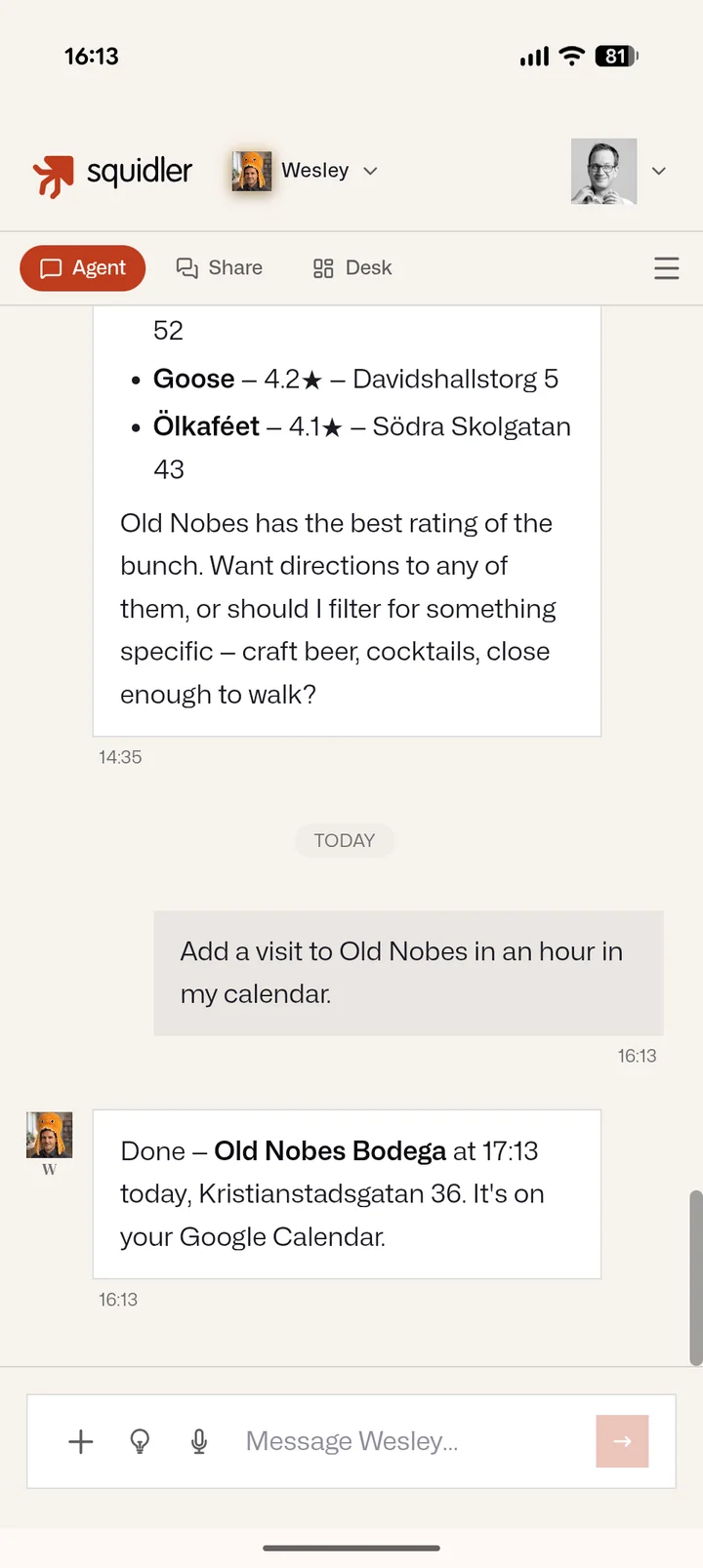
Share your location and your agent gets place-aware: saved places, nearby search, travel times, and reminders that trigger where you are.
Squidler QA
Deep integration with Squidler's testing platform — QA agents run real end-to-end tests on your product and file what they find.
Hire one, connect it, and get going.
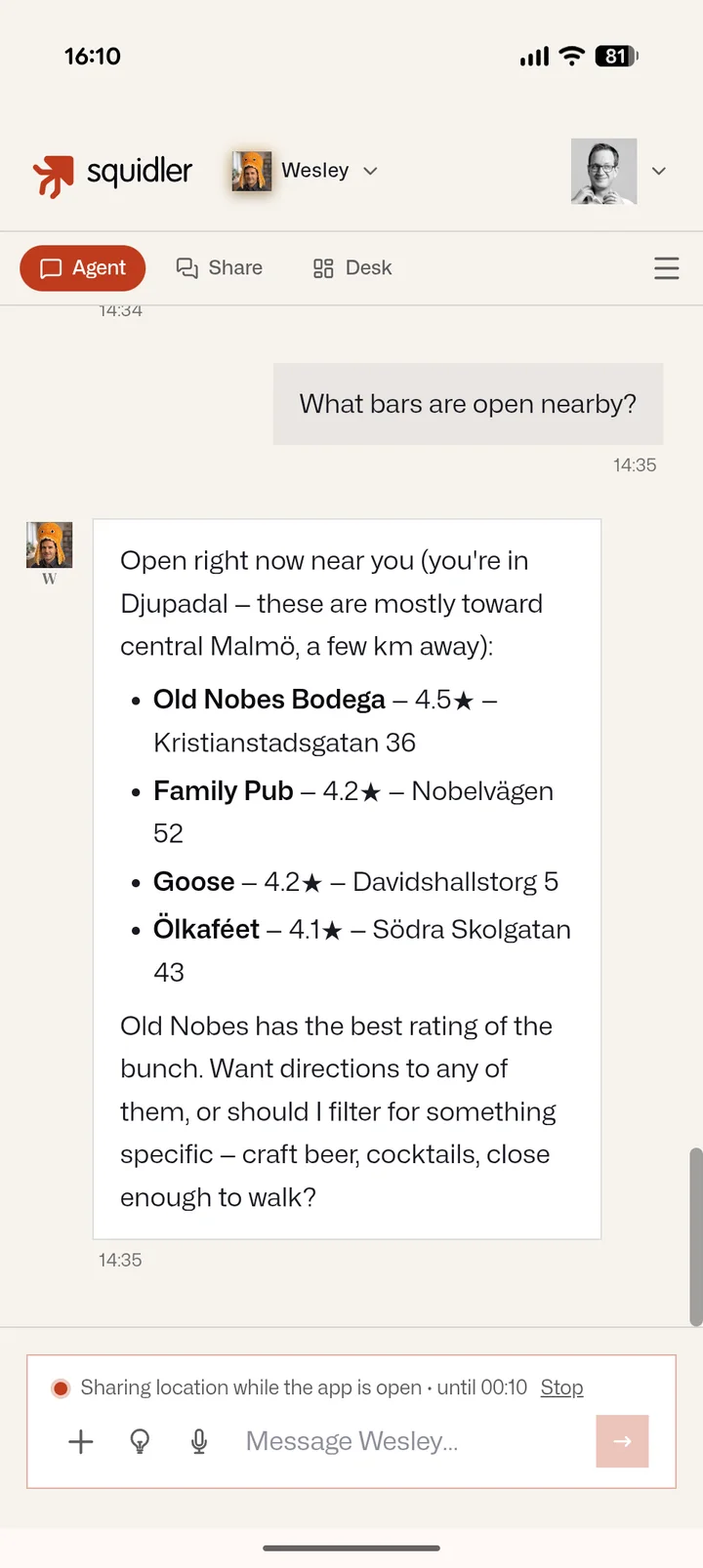
Pick a specialist, add it to your channels, and grant only the access it needs. It takes minutes.