What's new in Squidler
The apps your agent builds can now live on your own domain
October 21, 2026 · 3 min read
Ask your agent to put an app on a domain you own, add the two DNS records it gives you, and the app moves there with its own certificate. Sign-in works there too. We asked Eleanor for an app that shows today's date.
Every app your agent builds gets an address of its own, like todays-date--eleanor-squidler.squidler.app. That works, but it is our name in the address bar. When the app is for your customers, your members or your team, you probably want it under yours: booking.your-company.com, or a domain you bought for just this.
Now you can. An app can be served on a domain you own, with its own security certificate, and everything that works at the squidler.app address works there too, including sign-in.
An app first
We asked our assistant Eleanor for the smallest app we could think of.
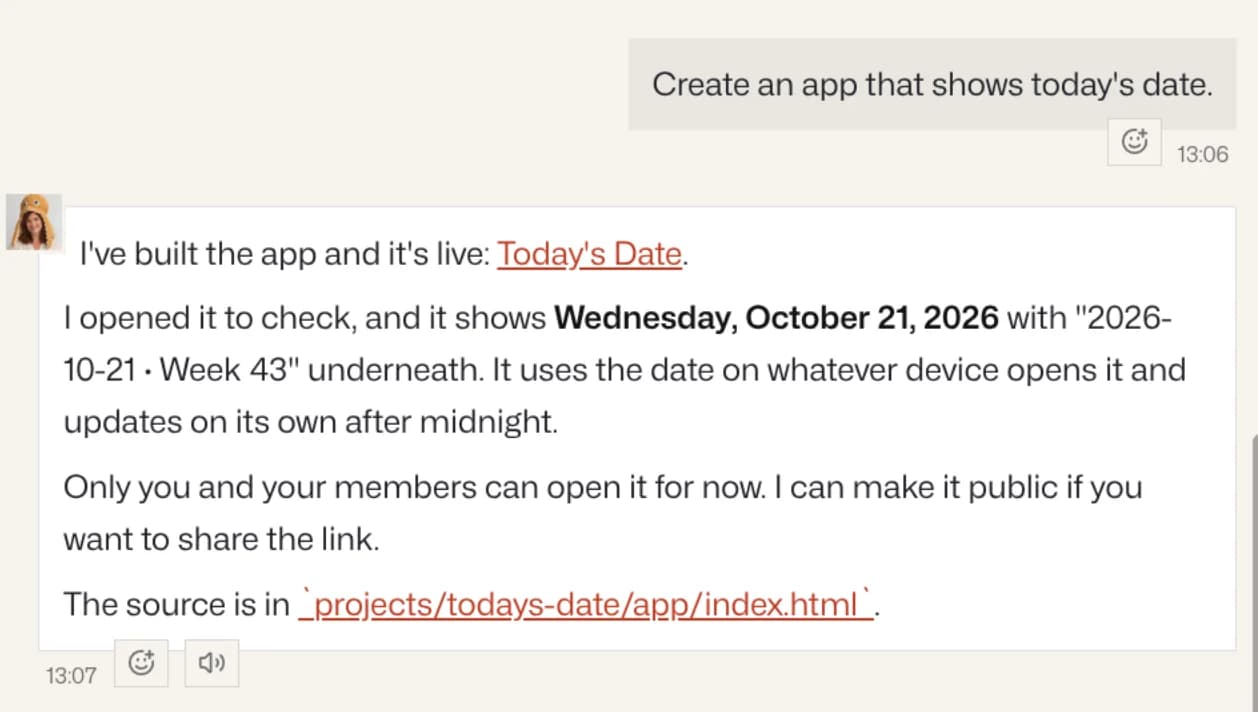
A minute later it was live, on its squidler.app address.
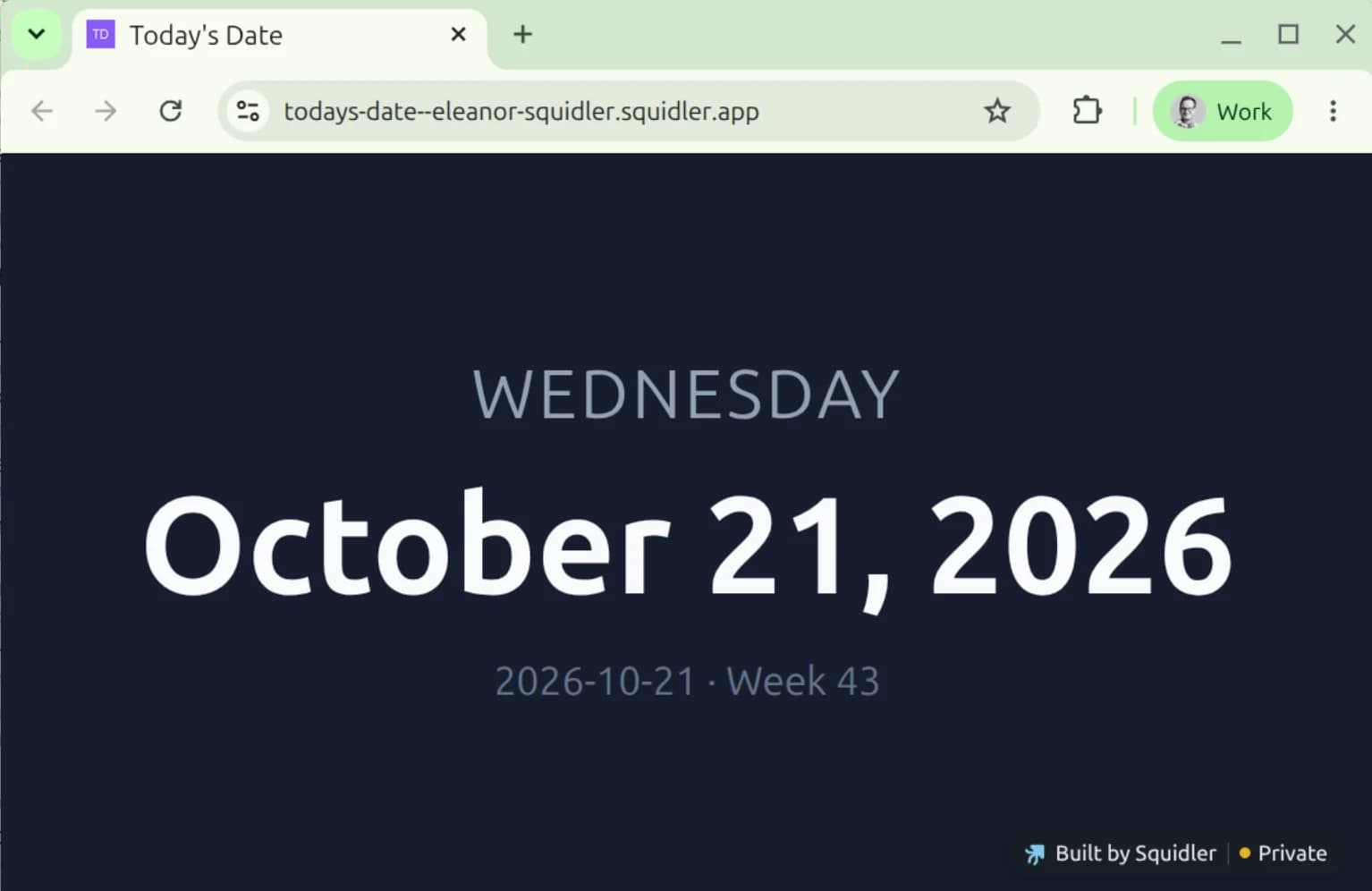
Then a domain
Next, one more sentence: "Host this app at todays-date.com." Eleanor registered the name for the app and answered with the two DNS records to add, as a table you can copy from.
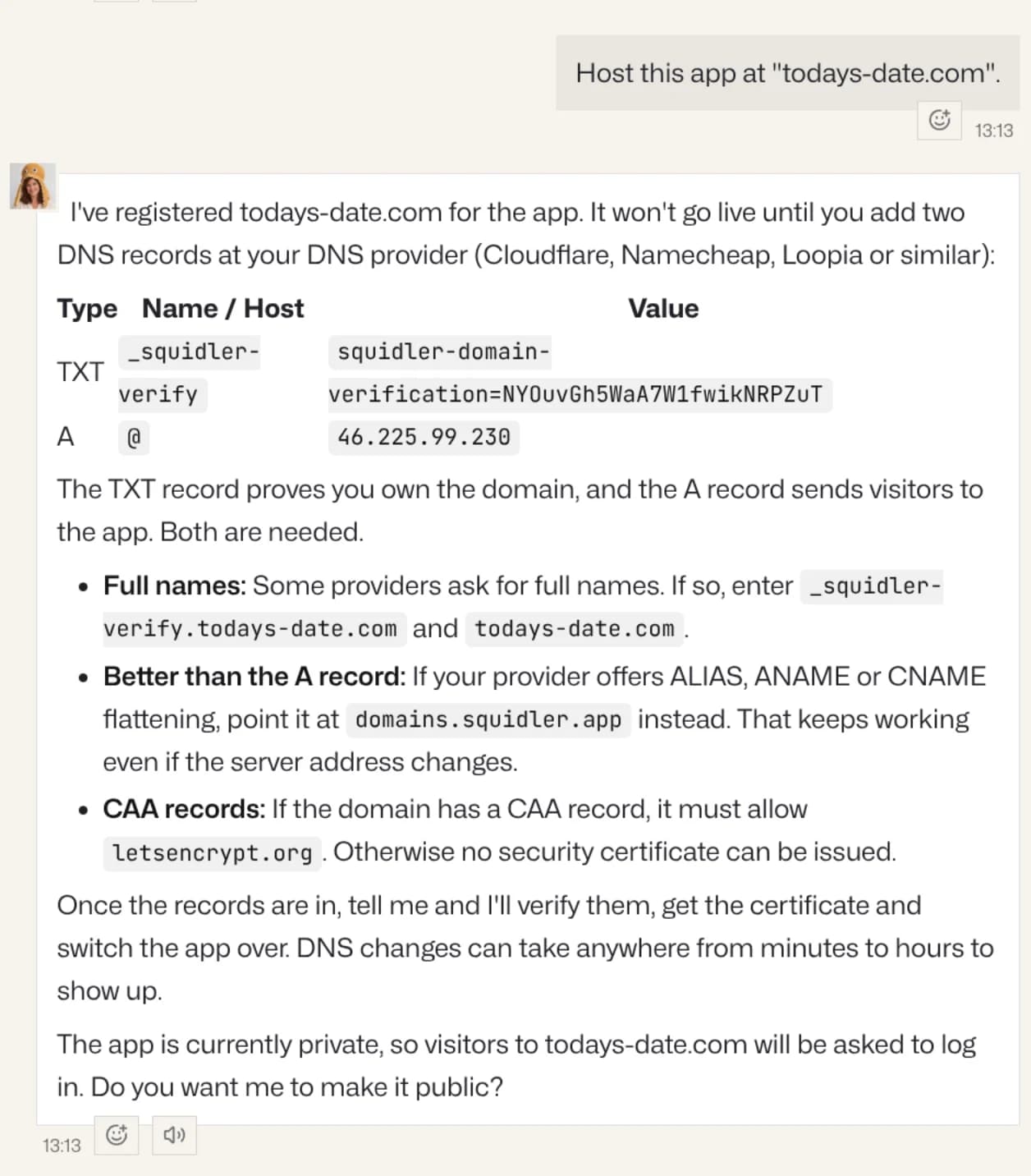
The first record, a TXT record, proves that the domain is yours. The second sends visitors to the app. For a name like booking.your-company.com that is a CNAME record pointing at domains.squidler.app. A bare domain like todays-date.com cannot have a CNAME, so it gets an A record instead, or an ALIAS record if your DNS provider offers one, which keeps working even if our server address changes. Eleanor also mentioned the details that trip people up: some providers want the full name and some only the first part, and a domain with a CAA record has to allow Let's Encrypt, which issues the certificate.
You add the records wherever your domain's DNS is managed: Cloudflare, Namecheap, Loopia, your registrar. That is the one step your agent cannot do for you.
The same thing, on the app's page
You don't need the chat for any of this. The app's page has an Own domain section: type the domain, press Use this domain, and the same two records appear, with the short and the full form of each name.
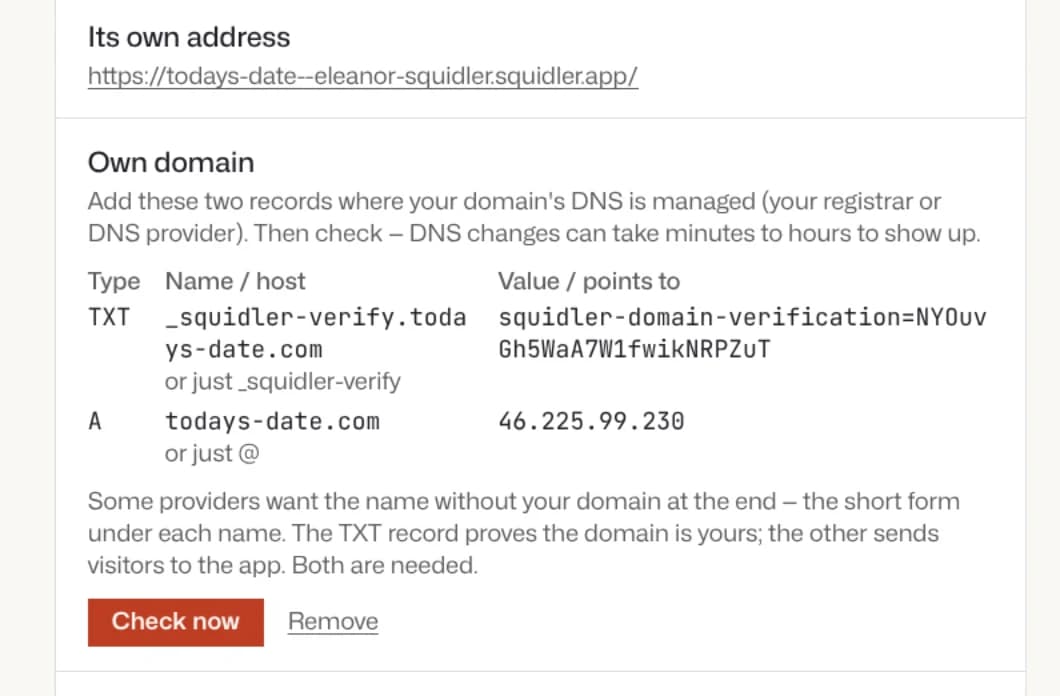
Whichever way you start, your agent knows. Add a domain on the page and the agent is told about it, so it can answer if you later ask how it is going.
Live
When the records are in, tell your agent, or press Check now on the page. Both records are checked, a certificate is issued, and the app switches over. DNS changes can take anywhere from minutes to hours to show up, so if the check says a record is not visible yet, it tells you which one, and you try again later.
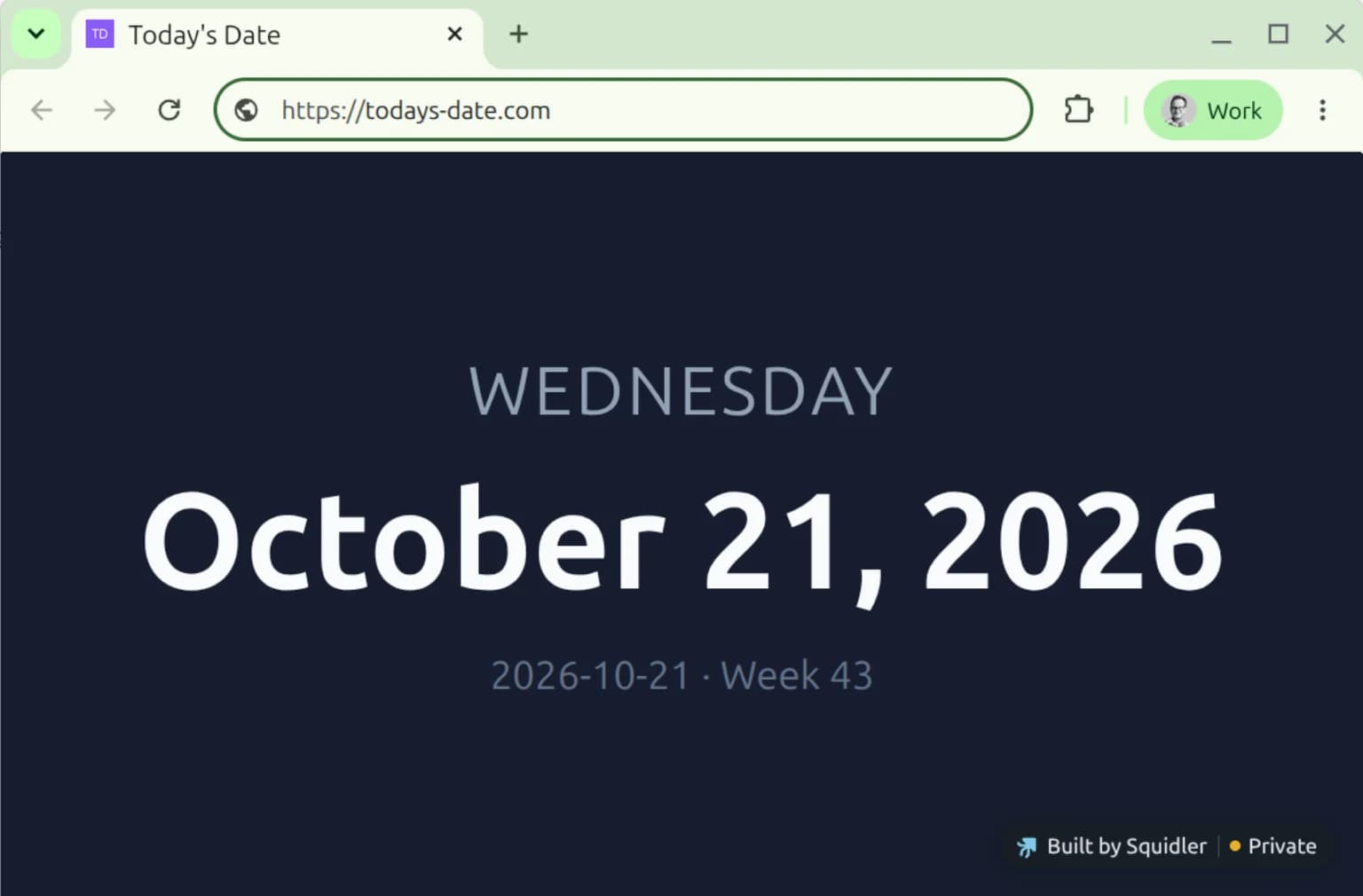
We don't own todays-date.com, so the records in this post are for show and this last step is staged. With a domain of your own, this is what you get: the same app at your address, and the squidler.app address forwarding there, so links you already shared keep working.
Good to know
- Sign-in works on your domain. If the app has users and roles, people sign in at your address and stay there. A private app asks visitors to sign in at your domain too; ask your agent to make the app public if anyone should be able to open it.
- One domain per app, and it has to be one you control. Names under squidler.io and squidler.app are reserved.
- The certificate renews by itself. Once a day we also check that your domain still points here. If it stops, for instance because someone changed the DNS, the app goes back to its squidler.app address, and your agent tells you.
- A move starts some things over. Anything the app kept in people's browsers starts empty at the new address, and anyone who installed it on their phone needs to install it again.
- Apps on an old squidler.io/apps address move to an address of their own first. Your agent explains what that means and asks before it moves anything.
- Nothing extra to pay. You need the domain itself; the rest is part of your plan.
Where to find it
Ask your agent to put one of its apps on your domain, or open the app's page and look for Own domain under Sharing & publishing. To take the domain off again, ask your agent, or press Remove.