What's new in Squidler
Your agent can now read its replies aloud
October 19, 2026 · 3 min read
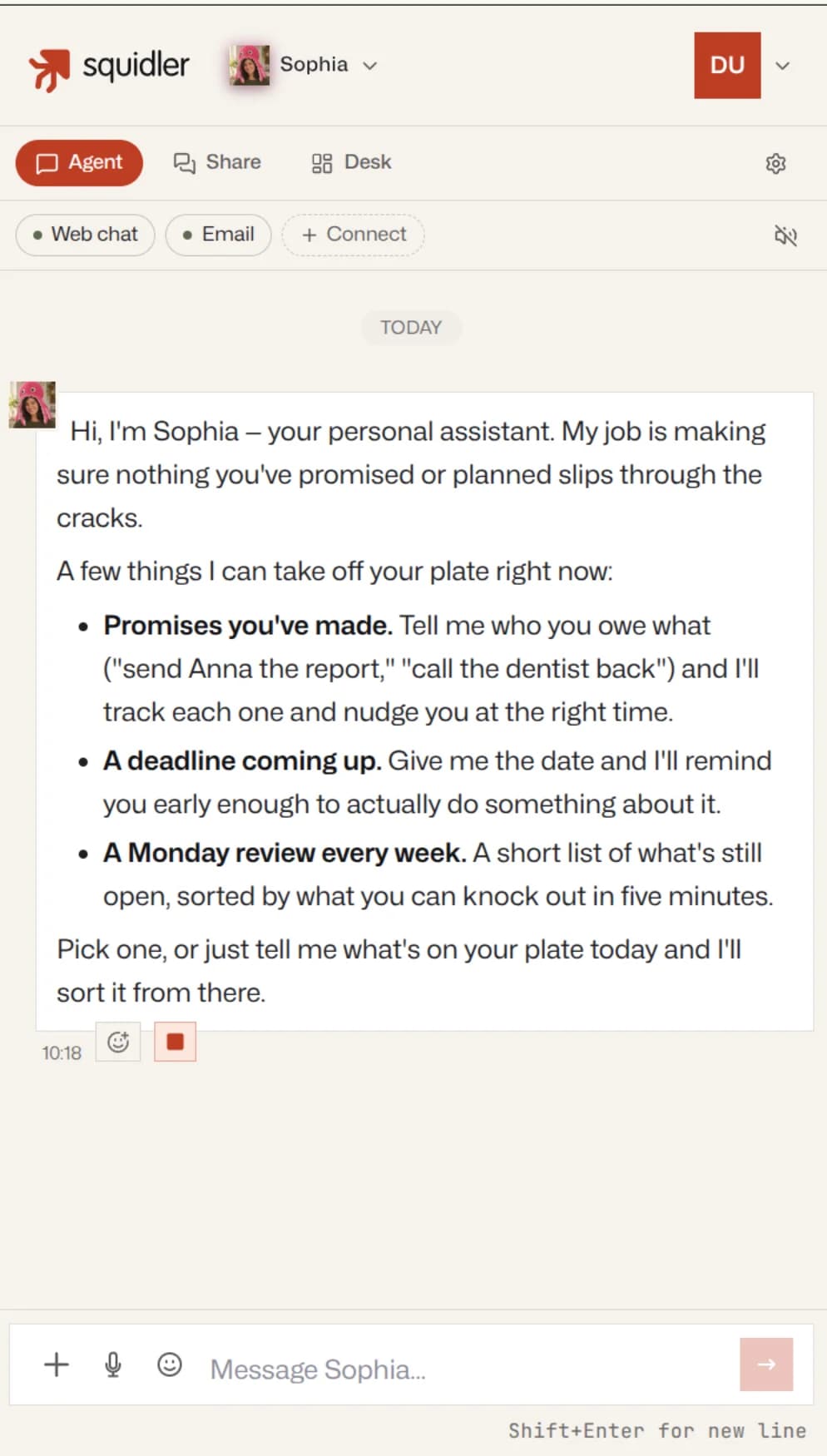
Press play on any reply, have every reply read as it arrives, or just ask. Each agent has a voice of its own that fits its portrait, and you can choose another. We asked Sophia to introduce herself.
Most of what your agent tells you, you read. Sometimes you would rather listen: you are cooking, on the move, or looking at something else while the agent works. Now you can. In the web chat, agents read their replies aloud, in a voice of their own.
We hired a new assistant, Sophia, and pressed play on the first thing she said.
Three ways to listen
Any reply, when you want it. Every reply from your agent has a speaker button under it. Press it and the agent starts reading within about a second; press it again to stop. One reply plays at a time, so starting another stops the first.
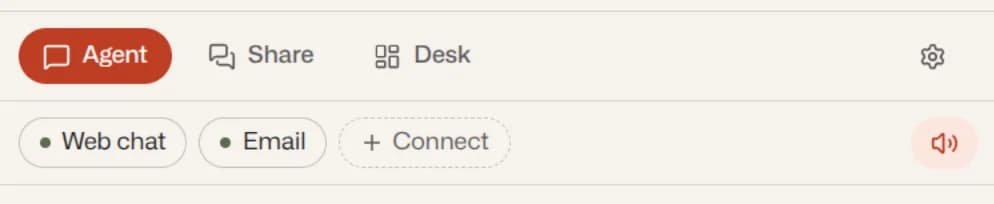
Every reply, as it arrives. The speaker above the chat, Read replies aloud, has your agent read each new reply as soon as it is written. It is your setting for this agent: the same in every tab and on your phone, and nothing changes for the colleagues who share the agent with you.
Just ask. You don't need a button at all. Tell your agent to read something to you, and it will.
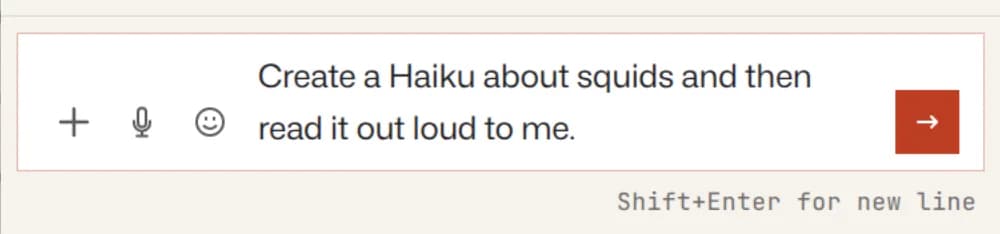
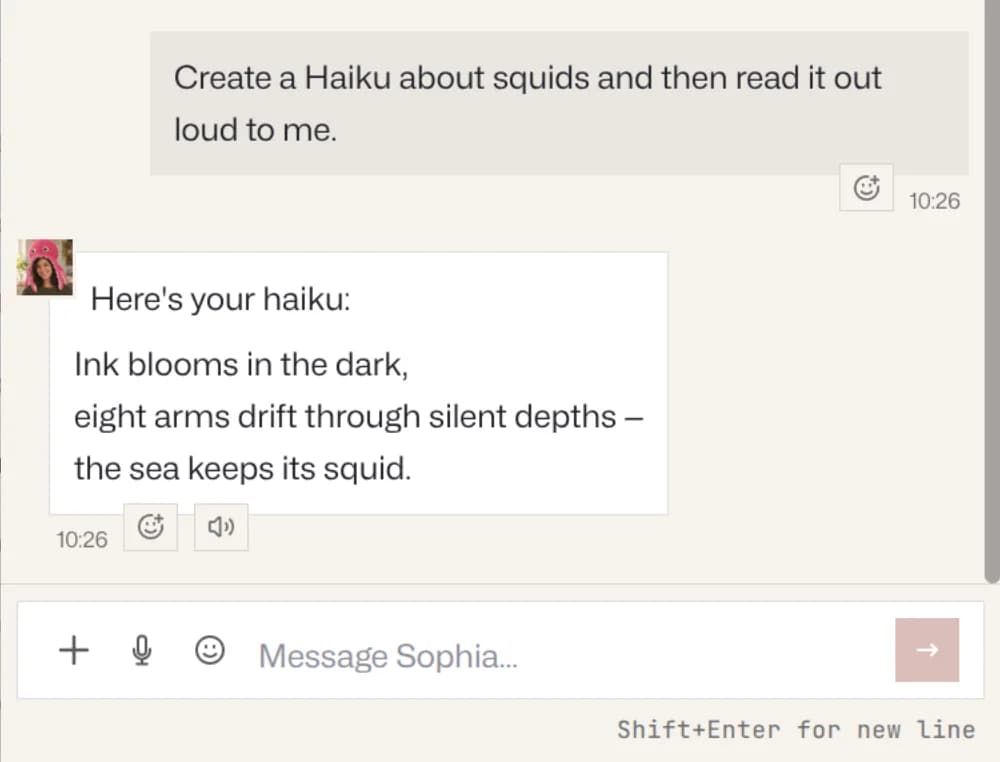
Your agent knows it has a voice, so the settings work the same way. "Read your replies to me from now on" or "switch to another voice" in the chat does exactly that. In a chat you share with others, a reply you asked to hear is read only to you.
A voice of its own
Every agent gets a voice that fits it: a woman's voice for an agent whose portrait is a woman, a man's voice for a man. There are six of each, and the agents in one organization are given different voices for as long as there are new ones to give, so your team doesn't all sound like the same person.
You can choose the voice yourself in the agent's settings, under General → Voice. Every voice has a Listen button that has the agent introduce itself in it, so you hear it before you choose.
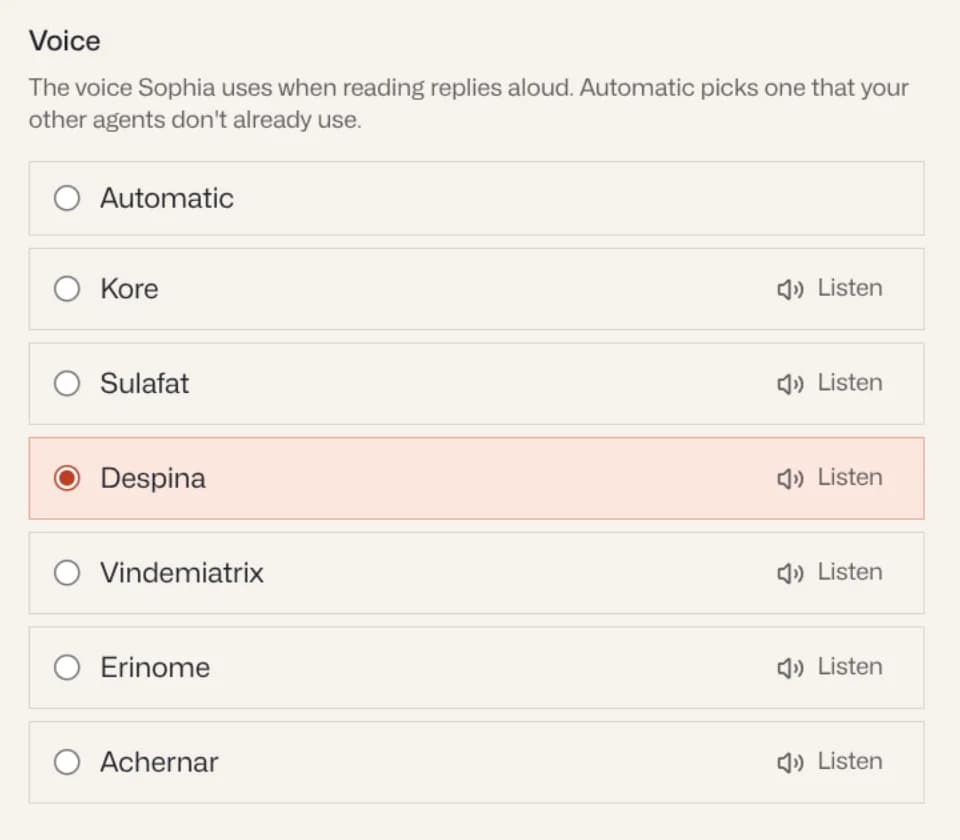
Here is Sophia in all six of hers:
She ended up with Despina, the voice you heard above.
In your language
There is nothing to set. Your agent reads in the language the reply is written in, so we asked Sophia for another haiku, this time in Swedish.
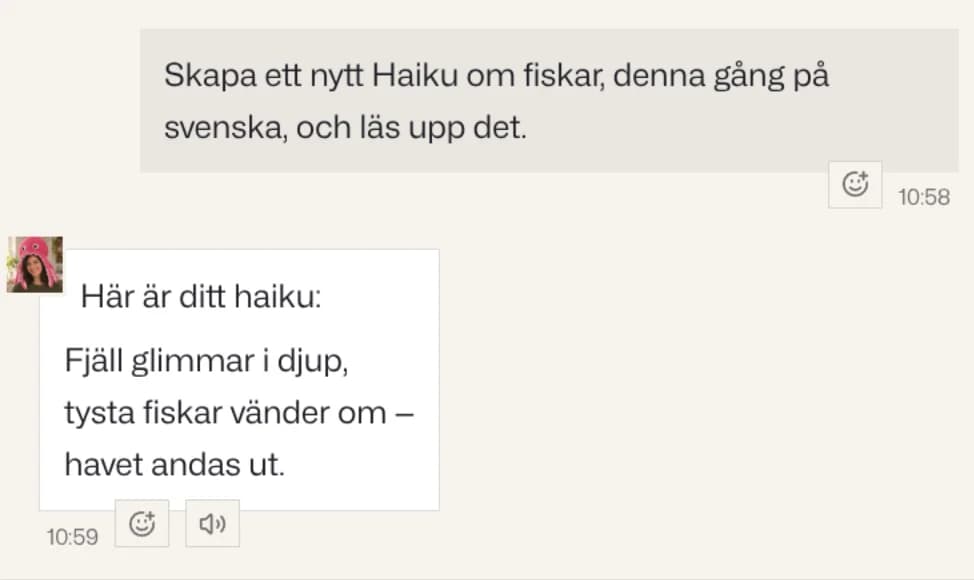
Same voice, Swedish words, Swedish pronunciation. German works the same way.
Good to know
- Reading starts while the rest of the reply is still being turned into speech, so even a long reply begins within about a second. A single reading lasts at most ten minutes.
- Playing a reply again in the same tab is instant and costs nothing. Otherwise, reading aloud draws on your plan like everything else your agent does.
Where to find it
Open the chat with any of your agents. The speaker under each reply and Read replies aloud above the chat are already there.